MAQS360 System Gallery

Every Angle.
Captured.

A complete visual record before a unit leaves your facility—with up to 16 cameras, guided capture, and cloud-based viewing.

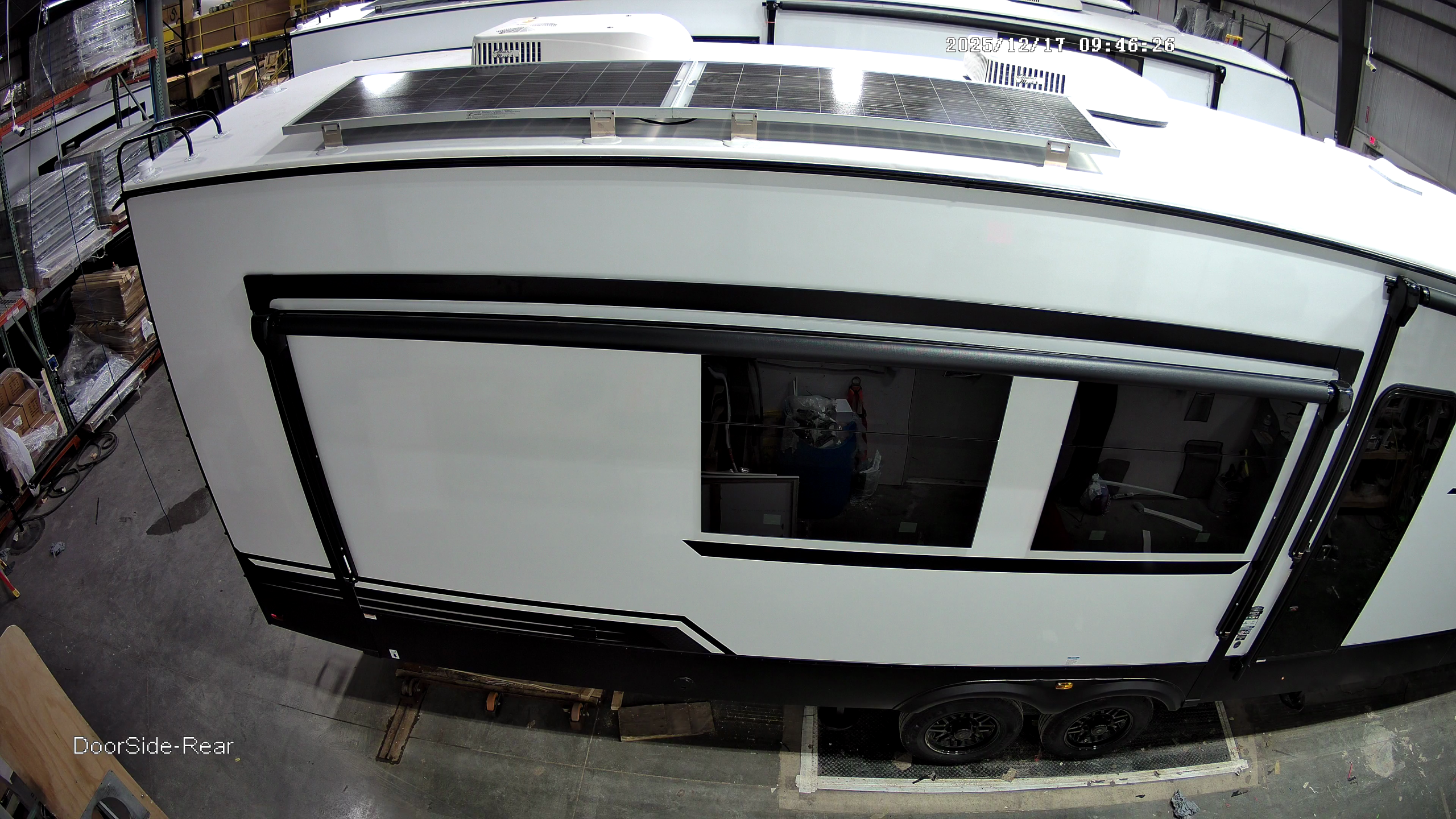
Doorside-Rear
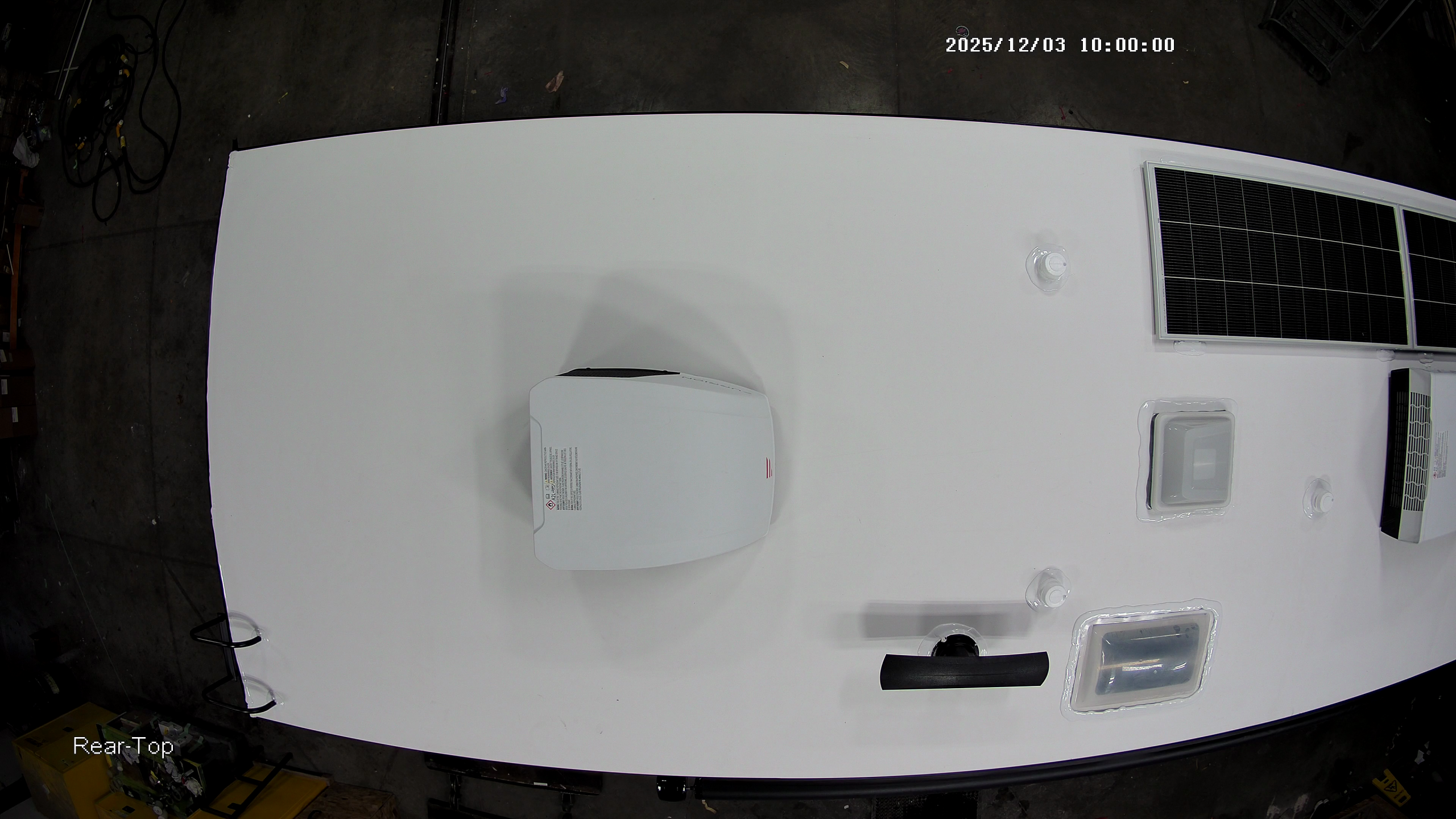
Rear-Top
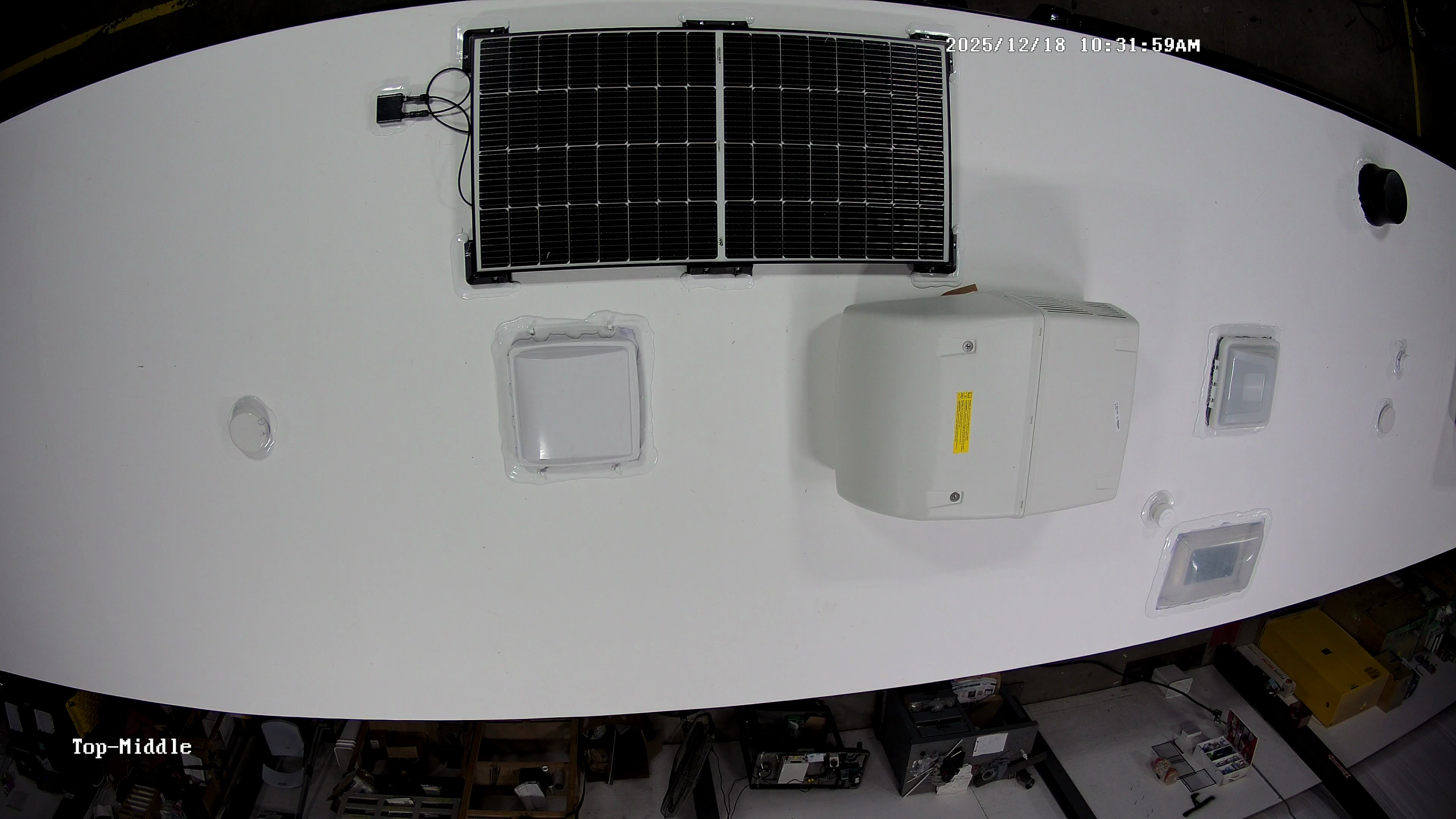
Top-Middle
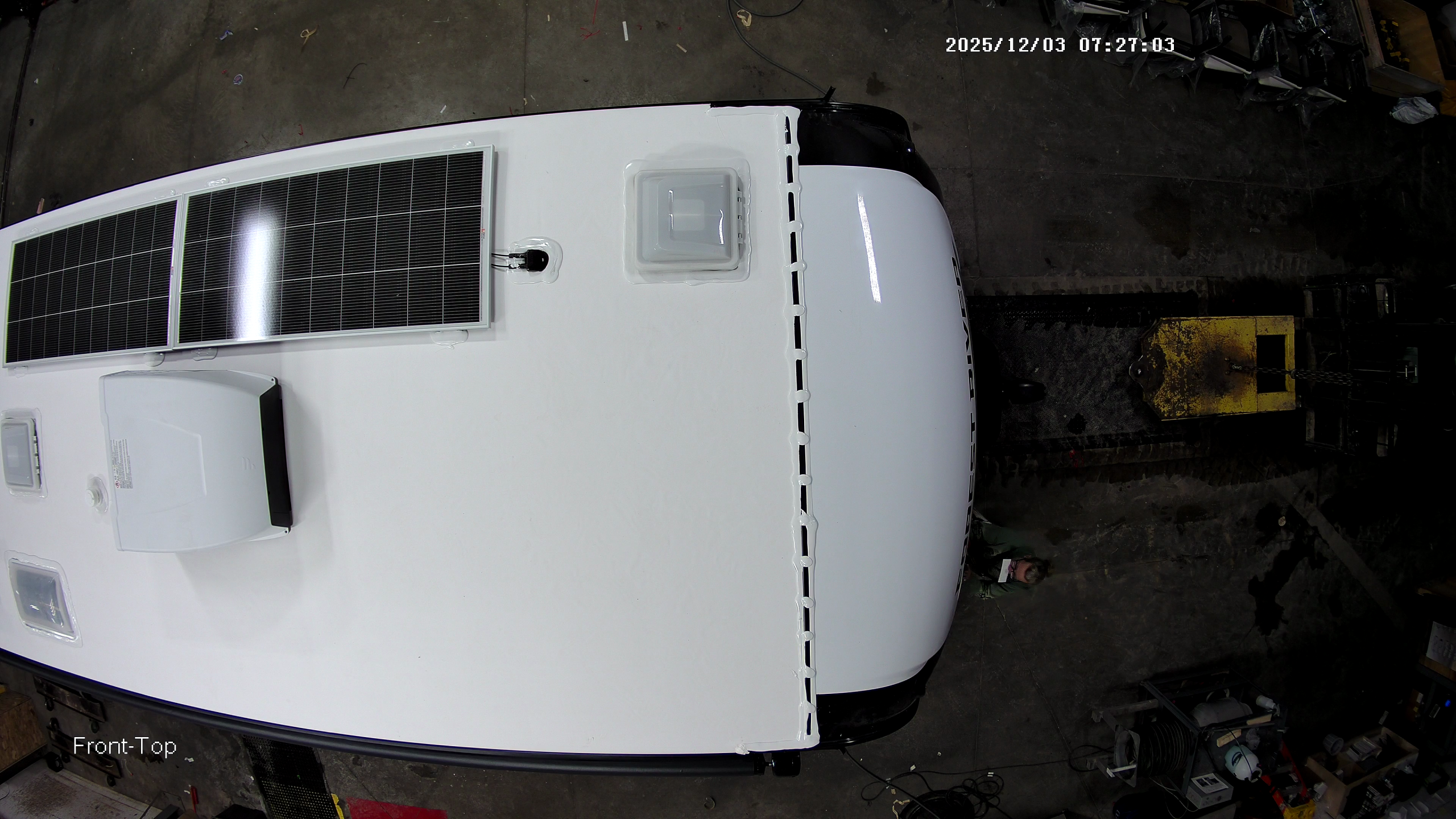
Front-Top
Doorside-Rear
WORKFLOW

How It Works

  1. Place Your Cameras

    Choose the number and placement of cameras to match your line—from a few views to a full 360° grid.

  2. Scan Identifier

    Start a session by VIN, serial number, or unit number to link photos to the exact unit.

  3. Guided Capture

    Our Android app guides users through each required angle. Operators review, confirm, and move on—no special training needed.

  4. Automatic Upload

    Images sync to the cloud in real time for immediate supervisor review.

  5. Verify & Export

    Review by unit, access proof-of-condition images, and share with partners and dealers.

Value

What You Get

Full coverage, fast capture, and instant proof of condition—designed to protect your assets and bottom line.

Visual Record

Every Angle Captured

Images from up to 16 cameras provide proof of condition. Search by unit, VIN, or batch in seconds.

Cost Savings

Reduce Warranty Claims

Clear photo evidence reduces claims, prevents disputes, and improves customer relations.

Cloud Access

Anytime, Anywhere

High-resolution images are securely stored in the cloud with role-based access, allowing review and export without burdening local IT.

OUTCOMES

Results You Can Measure

Reduce costs, boost accountability, and minimize claims

Warranty
Fewer dealer claims
Disputes
Proof of condition
Visibility
Know what shipped
Quality
Spot production issues

Support

FAQ

Answers for common setup questions

How many cameras can we use?

Each station supports up to 16 cameras. Start small and scale as your needs grow.

What devices are supported?

Capture and review on supported Android devices, then access the cloud portal from any browser.

How do teams find the right photos later?

Search by VIN, serial number, or unit number, with every session showing who captured it and when.

Do we need on site servers?

No local server is needed—just space for a small hardware cabinet and a hardline internet connection. Images are securely stored in the cloud with role-based access controls.

See MAQS360 In Action

Schedule a walkthrough to see how automated capture fits into your workflow and how images are reviewed by VIN in the portal.

MAQS and MAQS360 are trademarks of ReveCorp Inc.
Skip to content